FlowMuse
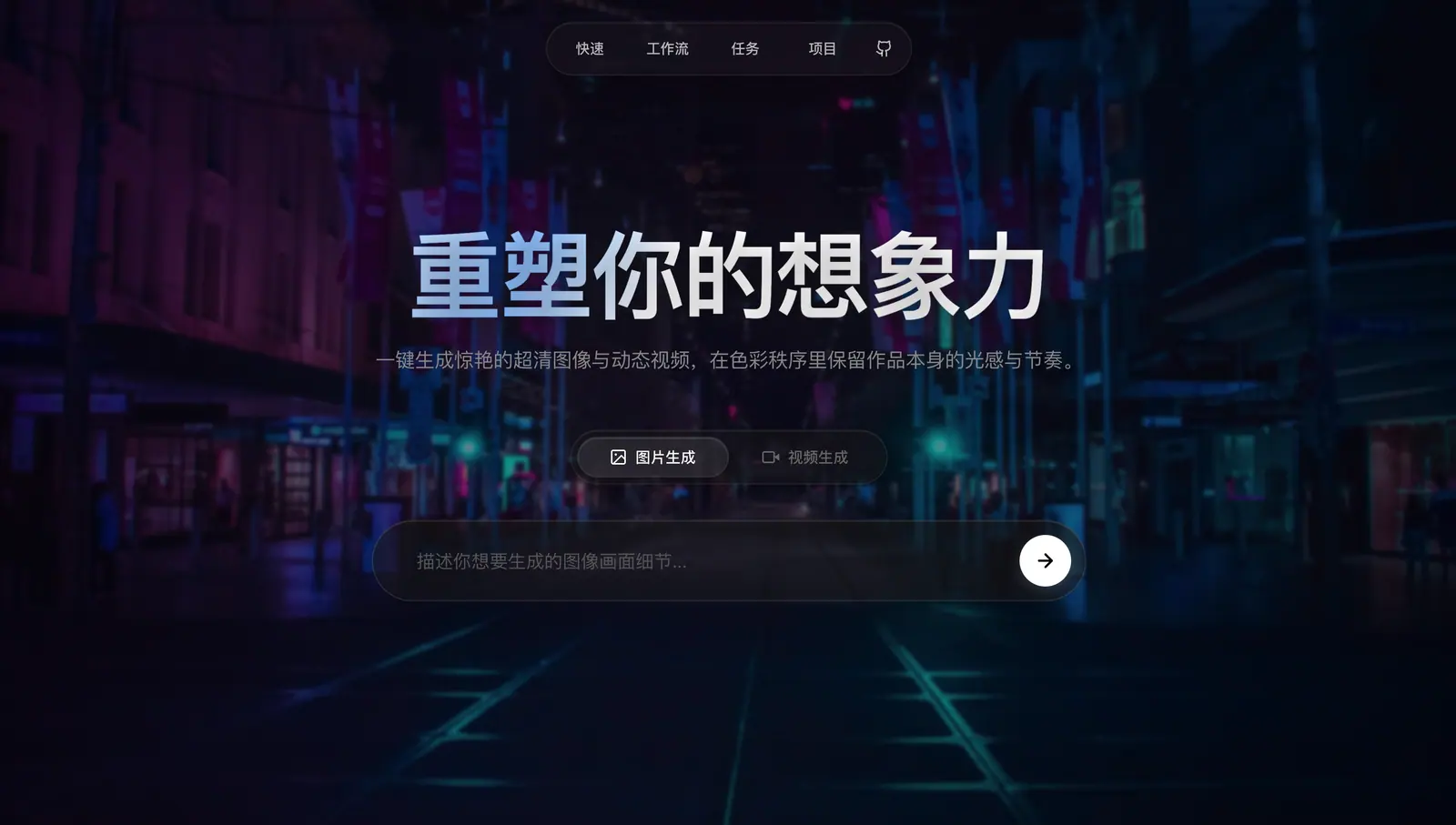
A local-first workbench for AI images and video: prompts, generation tasks, project assets, conversational workflows and a sketch canvas in one place, also packaged as a desktop app.
AWhat it is
FlowMuse is a local-first workbench for creating with AI. Image and video generation, reference material, project context and prompt refinement sit together, and everything it makes is saved on your own machine.
BWhat it does
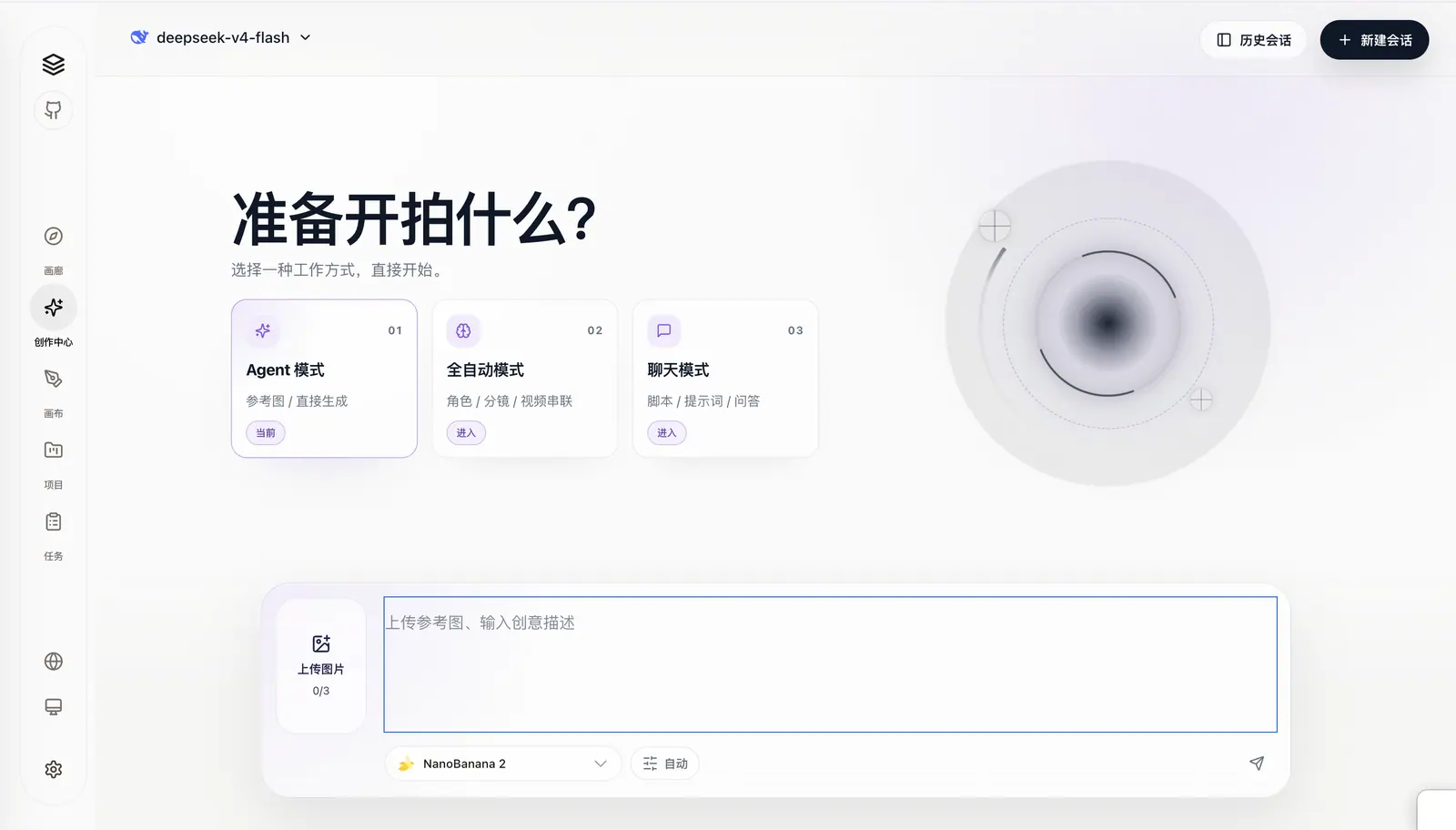
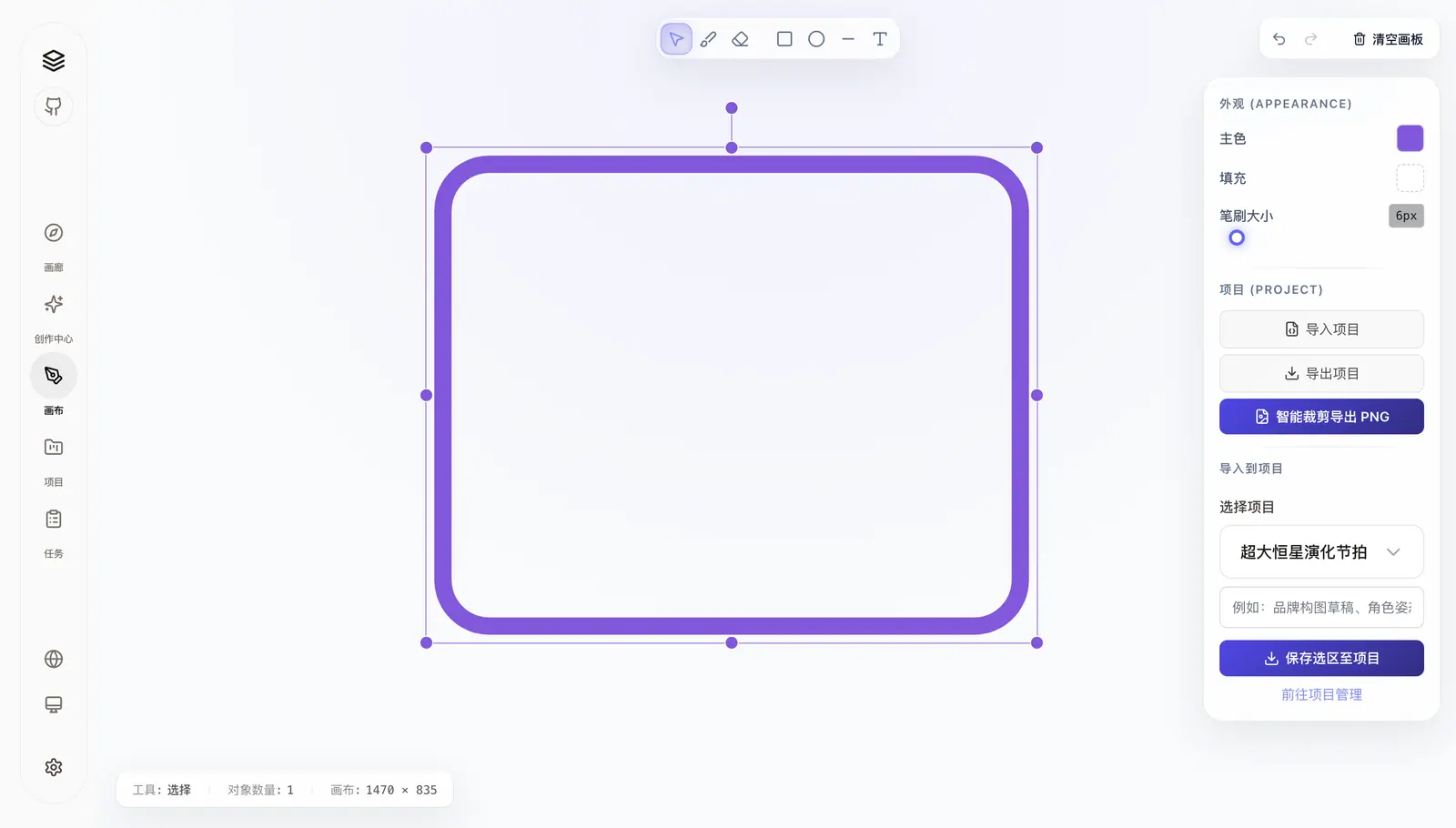
Quick mode generates images and video from text or images; workflow mode drives an image agent, video shot planning and automatic creation through conversation; the canvas is for sketches and annotations; the task centre tracks every job’s status, failures and results. Channels such as NanoBanana, Midjourney, GPT Image, Doubao, Qwen and Wan are built in — add a base URL and an API key and they work.
CHow it’s built
React 19, Vite 6 and Tailwind CSS on the front, NestJS 10 on the back, with data in SQLite through Prisma. The same code runs as a browser service or, through Electron, as a desktop app for macOS and Windows; FFmpeg stitches planned shots into a video.
DWhere it is
Open source under the MIT licence; the code and setup instructions are on GitHub.
EThe lines that matter
npm install && (cd frontend && npm install)cp .env.example .envnpm run prisma:generate && npm run prisma:initnpm run dev:all # browser modenpm run desktop:dist # macOS / Windows installers